
Multimeter Tests to Check Ryobi ONE+ 18V Battery Health
This safety-first, step-by-step guide shows how to use a multimeter and simple load tests to evaluate the state of health (SoH) of Ryobi ONE+ 18V lithium-ion batteries — without opening them. Perfect for DIYers, fleet technicians, and procurement teams seeking data-driven replacement decisions instead of guesswork.
Safety First (Must-Read)
⚠️ WARNING: Lithium-ion tool batteries can be dangerous if mishandled. If the pack is swollen, leaking, cracked, hot to the touch (>50 °C), or smells of burnt chemicals — stop immediately. Move it onto a fire-resistant surface, wear gloves and safety glasses, and contact a qualified recycler or service technician. Never short terminals, puncture, open the casing, or bypass the built-in BMS. When in doubt, isolate and replace — not repair.
What You’ll Learn
You’ll learn how to:
-
Measure open-circuit voltage (OCV) safely with a multimeter.
-
Perform repeatable load/sag tests to expose weak or high-resistance packs.
-
Estimate internal resistance and compare pack performance.
-
Use objective thresholds to decide when to keep, monitor, or replace a battery.
Tools & Setup Checklist
You’ll need:
-
Digital multimeter (DC range 20–30 V)
-
Known-good Ryobi ONE+ battery and OEM charger
-
The target tool or a controlled 1–5 A resistive load (bulb or resistor)
-
IR thermometer (optional but useful)
-
Isopropyl wipes, small brush, and PPE (gloves + eye protection)
-
Notebook or phone to log readings: OCV, voltage sag, temp, and serial number
Before testing, clean all contacts and ensure the work area is dry, ventilated, and clear of combustibles.
Step 1 — Visual Inspection & Quick Triage
-
Check for physical damage — swelling, cracks, melted plastic, or corrosion. If found, quarantine immediately.
-
Place the pack on the charger and note LED status.
-
Swap test: test your suspect pack on a known-good charger, and test a healthy pack on the suspect charger. This isolates whether the fault lies in the battery or the charger.
Step 2 — Measure Open-Circuit Voltage (OCV)
-
Set your multimeter to DC volts (20–30 V).
-
Touch red to the positive and black to the negative terminal on the pack.
-
Wait for a stable reading and record it.
| Voltage Range | Condition | Notes |
|---|---|---|
| 20.0–21.6 V | Near full | Healthy |
| 18.0–20.0 V | Normal | Usable |
| 15.0–18.0 V | Low | Recharge soon |
| < 15.0 V | Warning | Deep discharge or fault |
| < 10–12 V | Severe | Do not charge; recycle or send for service |
If your reading is below 17 V, follow only safe, supervised recovery methods — no force-charging.
Step 3 — Load / Voltage Sag Test
Even healthy-looking batteries can collapse under load. This test simulates real tool conditions.
A. Real Tool Method:
-
Fully charge the pack.
-
Run a moderate tool (drill/saw) for 10–20 s.
-
Record voltage during operation or immediately after stopping.
B. Controlled Load Method:
-
Use a resistive load drawing ~1–5 A.
-
Connect briefly for 10–20 s and note voltage drop (sag).
| Voltage Sag | Condition | Action |
|---|---|---|
| ≤ 1.0 V | Healthy | Keep in use |
| 1.0–2.0 V | Marginal | Monitor and retest |
| > 2.0 V / tool cutout | Failing | Replace or recycle |
Step 4 — Estimate Internal Resistance
You can estimate resistance roughly as:
R_internal ≈ (V_ocv − V_load) / I
Example: 20.0 V − 18.5 V = 1.5 V drop at 1.5 A → 1.0 Ω.
Packs showing > 1–1.5 Ω typically deliver poor runtime and excessive heat. Precision requires lab testing, but this quick check flags aging packs reliably.
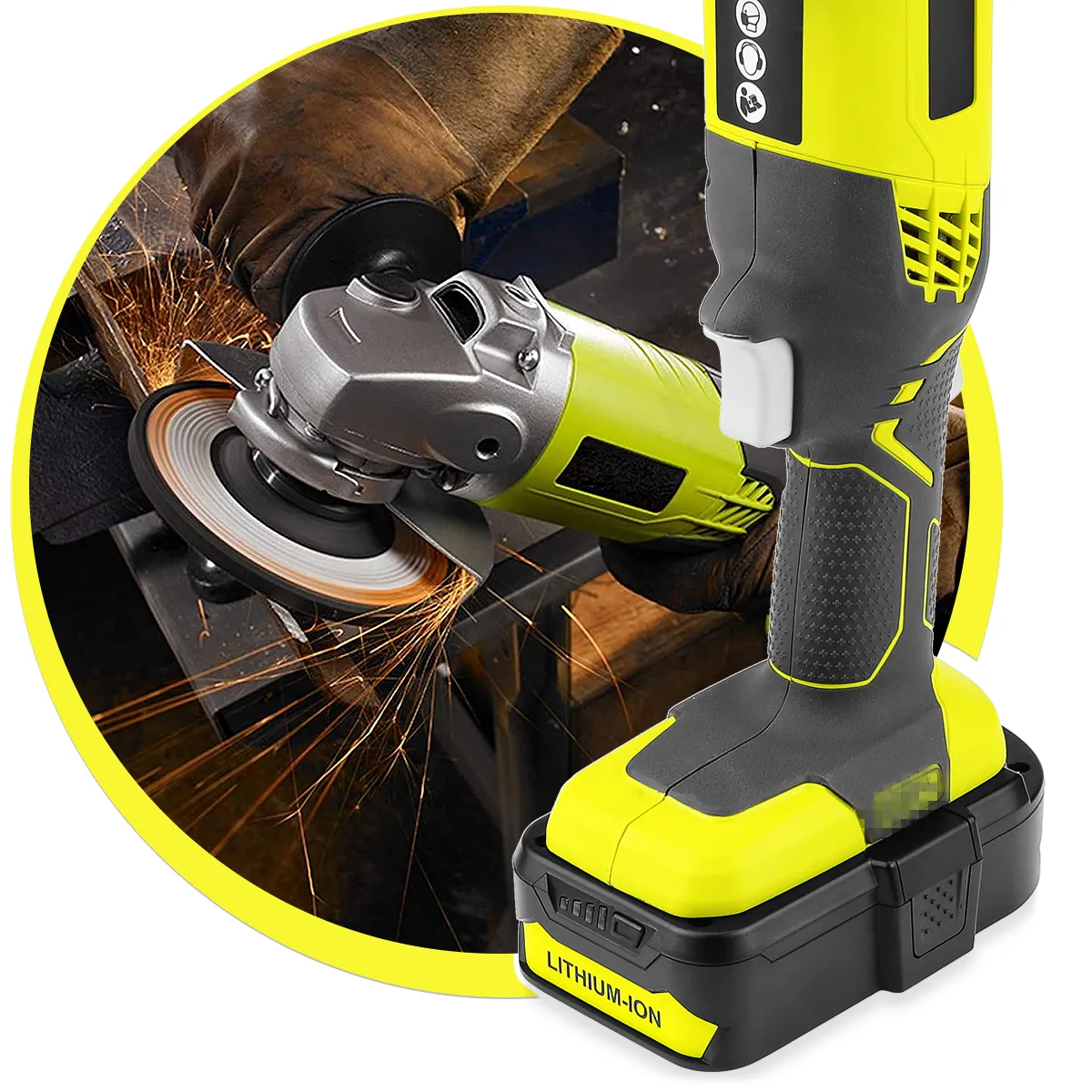
18V Lithium Ion Battery Replacement for Ryobi ONE+ Cordless Tools P108 P192
Step 5 — Check Thermal Behavior
Monitor surface temperature with an IR thermometer:
-
Normal: 30–45 °C
-
Caution: 45–50 °C (watch for repeat events)
-
Stop: > 50 °C → internal fault; retire the pack immediately
Excessive heat indicates elevated internal resistance or shorted cells.
Step 6 — Observe Charger & BMS Behavior
If charger LEDs stay off or flash fault codes while the pack’s OCV is normal, the BMS may be tripped. Try a different OEM Ryobi charger before assuming failure. Never bypass the BMS — it prevents dangerous overcharge or overdischarge conditions.
Step 7 — Decide: Keep, Monitor, or Replace
| Condition | OCV | Sag | Temp | Recommended Action |
|---|---|---|---|---|
| Healthy | 18–21.6 V | ≤ 1 V | < 45 °C | Keep & monitor |
| Degrading | 15–18 V | 1–2 V | 45–50 °C | Retest in 2–3 cycles |
| Failing | < 15 V | > 2 V | > 50 °C | Replace or recycle |
Step 8 — Quick Reference Snapshot
| Test | Healthy | Warning | Replace |
|---|---|---|---|
| OCV | 20–21.6 V | 15–18 V | < 15 V |
| Sag | ≤ 1 V | 1–2 V | > 2 V |
| Surface Temp | < 45 °C | 45–50 °C | > 50 °C |
| Charger LED | Normal | Intermittent | Fault LED / no charge |
Step 9 — Practical Fleet Protocol
-
Visual & swap test.
-
Measure and log OCV.
-
Perform 10–20 s load test.
-
Log sag and temp.
-
Tag results: “OK”, “Monitor”, or “Replace”.
-
Recheck marginal packs monthly; retire if metrics worsen.
This builds a data-based battery rotation program — reducing downtime and avoiding unpredictable failures.
FAQ
Q: My pack reads 18.5 V but cuts out instantly. Why?
A: Likely high internal resistance or failing cells. Perform a sag test — large drop confirms degradation.
Q: Can I repair or balance the BMS myself?
A: No. BMS and cell balancing require precision tools and training. DIY repairs risk fire and void warranties.
Q: Is small sag normal?
A: Yes, minor sag (≤ 1 V) under load is normal. More than that signals wear.
Notes on Accuracy
These DIY methods provide reliable field-level insights, but lab equipment offers greater accuracy. Fleet operators should periodically validate readings through professional testing for lifecycle forecasting and procurement planning.
Closing
By combining OCV checks, load/sag tests, and temperature monitoring, you can quantify Ryobi ONE+ battery health without opening the pack. Log your results, retire weak units early, and prioritize certified replacements or high-quality aftermarket packs with BMS protection for consistent safety and uptime.