
Resources
Blog
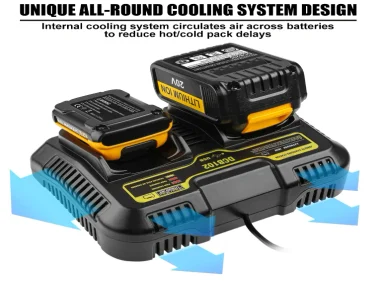
Installation & Safety Best Practices for DeWalt Battery Chargers
Correctly selecting, mounting, and maintaining your DeWalt charger not only maximizes its lifespan but also keeps your workshop safe and code‑compliant. Below are expert tips—backed by real‑world jobsite insights—to guide you from pre‑installation prep through routine maintenance.
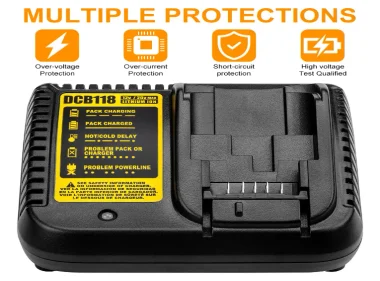
Troubleshooting Common DeWalt Battery Charger Issues
Diagnose and fix frequent DeWalt charger problems—from no‑power to error LEDs—with clear, step‑by‑step solutions and insider tips.
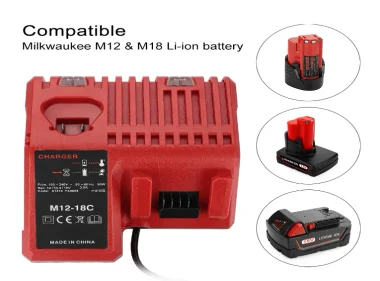
5 Tips for Safely Using Your Milwaukee M18 Battery Charger
Protect your Milwaukee M18 charger and batteries—follow these five essential safety tips for reliable, long‑lasting charging performance.

Extend Charger Life: Maintenance & Cleaning Your Milwaukee M18 Charger
A well‑cared‑for charger not only keeps your batteries topped up but also prevents premature component failure, safety hazards, and costly downtime. Below is a step‑by‑step maintenance routine—backed by industry best practices—to help your Milwaukee M18 charger deliver reliable performance for years.
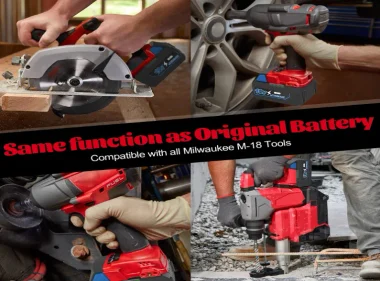
Signs Your Milwaukee M18 Charger Needs Replacing
Milwaukee M18 chargers are designed to keep your batteries powered and ready—but after heavy use, even reliable chargers show wear. Watch for these warning signs so you can swap in a fresh unit before tool performance or safety is compromised.
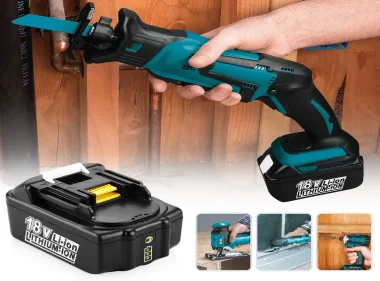
Troubleshooting Your Makita 18V Charger
When a Makita 18 V charger won’t power on, first verify mains power, inspect the cord for damage, and replace any blown 5 A fuse. Decode LED flashes—rapid red/green indicates a BMS handshake error, slow red flash signals temperature limits (< 5 °C or > 40 °C), and no LEDs with a running fan points to an internal PCB fault. Clean contacts with 99 % isopropyl alcohol, ensure stable 110 V–230 V supply, and keep ambient temperature between 5 °C and 40 °C. If charging stalls or never reaches steady green, check for bulging capacitors, low mains voltage, or dirty terminals. For advanced diagnostics, measure no-load output (\~21.6 V DC) and inspect electronics only if you’re skilled; a 5–10 minute unplug resets microcontroller latch‑ups. Regular maintenance—monthly vent cleaning, quarterly deep contact cleaning, and semi‑annual charge‑cycle tests—prevents most faults. Persistent errors warrant professional repair or Makita support.
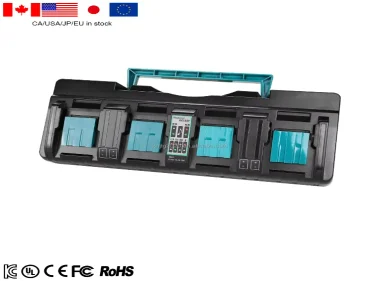
How to Decode Makita 18V Charger LED Signals?
Understanding your Makita 18V charger LED signals helps prevent downtime and maintain battery health. Steady red means charging; green indicates a full charge. Flashing red often signals temperature issues, while rapid red/green alternation points to battery detection errors. Clean contacts, check temperature (5 °C–40 °C), and reseat the pack firmly. Regular maintenance—cleaning terminals, storing properly, and testing voltage—prevents errors.

How to Maintain Your DeWalt 12 V Battery in Cold Weather
DeWalt 12V Li‑ion packs lose capacity and may lock out below 0°C. Follow these steps—understanding cold‑weather effects, pre‑use warming, safe charging, insulated storage, in‑field tactics, and post‑use recovery—to preserve runtime and avoid permanent damage.
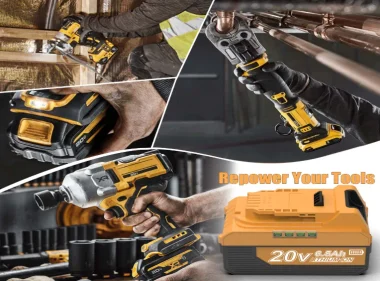
How Can You Repair Your DeWalt Battery Yourself?
In under 160 characters: Learn safe, step‑by‑step DIY repair of DeWalt battery packs—from diagnosis to cell replacement. Safety tips and when to call a pro included.
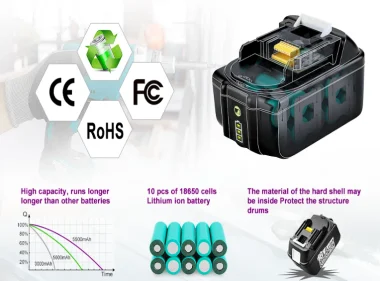
Why does the battery's BMS suddenly fail?
A Battery Management System (BMS) safeguards rechargeable packs by monitoring cell voltages, balancing charge, preventing over-current/over-temperature, and communicating with chargers and devices. When the BMS fails, your pack can lose capacity unexpectedly, shut down tools without warning, or even pose safety risks like thermal runaway. Below, we dive into the main failure modes, real-world triggers, and actionable prevention strategies.
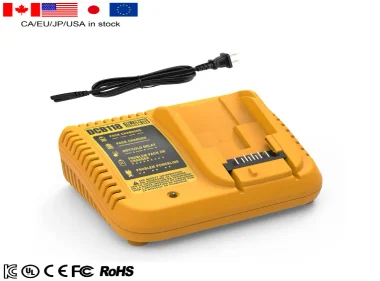
DeWalt Charger Diagnostics & Repair: A Hands‑On Guide
Cut your downtime and hidden costs by mastering a four‑stage troubleshooting system—diagnose failures in under five minutes, tap into a fault‑solution library, protect against environmental stressors, and make smart repair‑vs‑replace decisions.
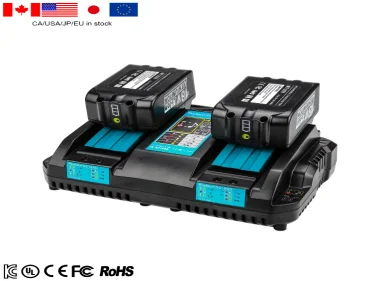
Can a Makita 18V Charger Charge a 12V Battery?
Makita’s 18 V LXT chargers (e.g. DC18RC, DC18RD) are built exclusively for three‑cell (nominal 18 V) lithium‑ion packs—they use a charging algorithm, cell‑balancing routine and safety cut‑outs tailored to 18 V chemistry and require a proprietary SMBus handshake. A 12 V CXT pack only has two cells and different contacts, so the charger won’t recognize it, refuse current flow and shut down for safety. Attempting cross‑charging risks cell damage, BMS faults or fire. Always use a Makita 12 V charger (e.g. DC10WA) for 12 V packs and reserve LXT chargers for 18 V batteries.
Let our battery power your success
Transform your path to success with our advanced battery technologies, while enjoying the perks of free technical guidance and tailored design services to meet your unique requirements.